 KILLA CAPTIONS
Your voice.
On screen.
Instantly.
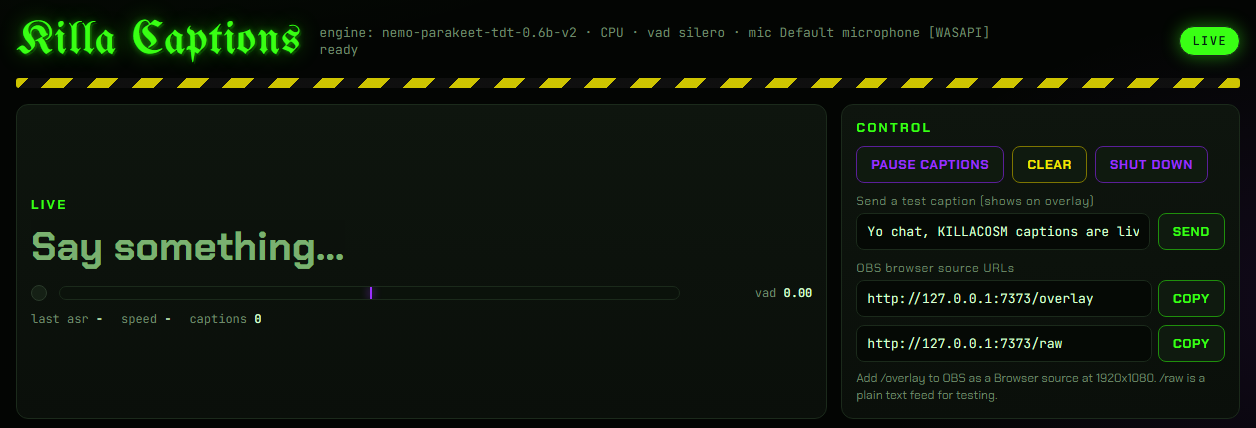
Animated live captions for OBS, plus hold-to-talk typing into any app. A Windows desktop app built by a streamer, with speech processed on your own PC.
What it does
Live captions for OBS
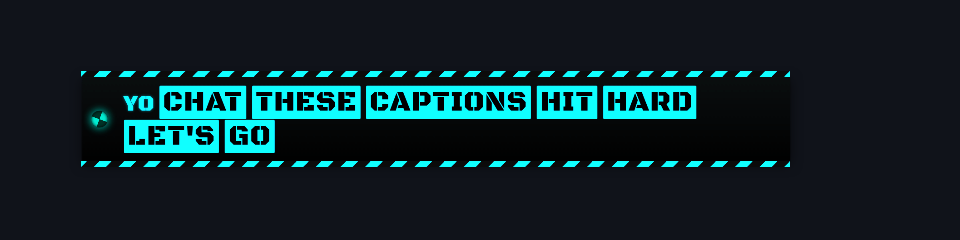
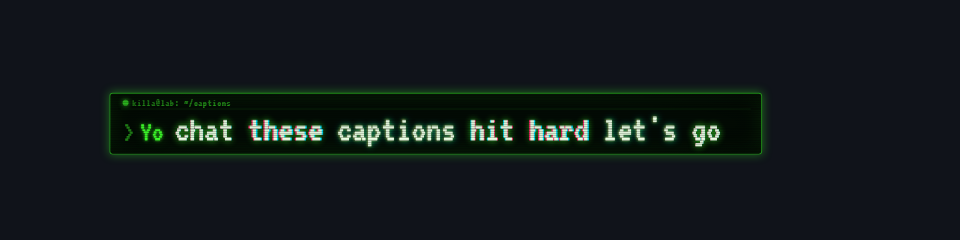
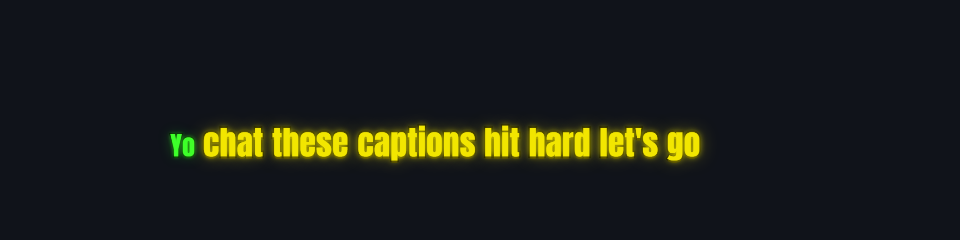
Add one browser source and your words appear on stream as you say them, with five animated looks.
Push-to-talk typing
Hold a mouse button or key, talk, let go, and the text lands wherever your cursor is. You pick the button.
Words that react
Trigger words fire effects, loud words hit harder, and a censor and word fixes keep the text right.
Your colors
Shift the hue of any look with one slider. Each look remembers its own setting when you switch.
Runs on your PC
Uses a local NVIDIA Parakeet speech model on an NVIDIA GPU, or on your CPU if the GPU is busy or missing.
Pricing
Free
- Live captions and OBS overlay
- Push-to-talk typing
- Control panel and core looks
- Short support screen once a day, 5 to 20 seconds. Captions start behind it.
Supporter License
- One-time purchase, no subscription
- Pay what you want: $5 minimum, $9.99 suggested
- Your license key arrives by email after checkout
- Planned unlocks: AI style builder, premium effects, launch theme collection, no support screen
Requirements: a 64-bit Windows PC and a microphone. An NVIDIA GPU is optional. Built and tested on Windows 11. Speech recognition is English only. OBS Studio is needed for the stream overlay. The app is in private beta, and the public download and Supporter License open at launch. Payments are handled by Lemon Squeezy, our merchant of record.
Policies
Privacy
KILLA Captions listens to your microphone only while you run it, and captions and typing work on your own PC. Your transcripts and dictation history stay in the app's folder on your PC, and you can turn off transcript saving. Audio only leaves your PC if you choose the optional Groq cloud backup with your own API key. During setup, the app downloads the speech model from Hugging Face, which receives your IP address and technical request information; this download does not send your microphone audio or transcripts. Once Supporter Licenses open, the license check will send your key to Lemon Squeezy. This website uses no cookies, analytics or ad trackers. It is hosted by Cloudflare, which processes technical request data such as your IP address to deliver the page. Purchases are covered by Lemon Squeezy's privacy policy.
Refunds
If you're not satisfied with your Supporter License, email support@killa-rentals.com within 14 days of purchase with your order number or purchase email to request a full refund. This policy does not limit your rights under applicable consumer law or Lemon Squeezy's ability to issue refunds. Lemon Squeezy processes refunds as merchant of record, and its buyer terms also apply.
Terms
KILLA Captions is closed-source software licensed to you, not sold. You may install and use it for yourself, including on your streams. You may not resell, redistribute or reverse engineer it, except where the law allows. It comes as is, without a warranty. A Supporter License is a one-time purchase of a software license. Third-party parts keep their own licenses, listed inside the app.
Contact
Questions, bugs or refunds: support@killa-rentals.com